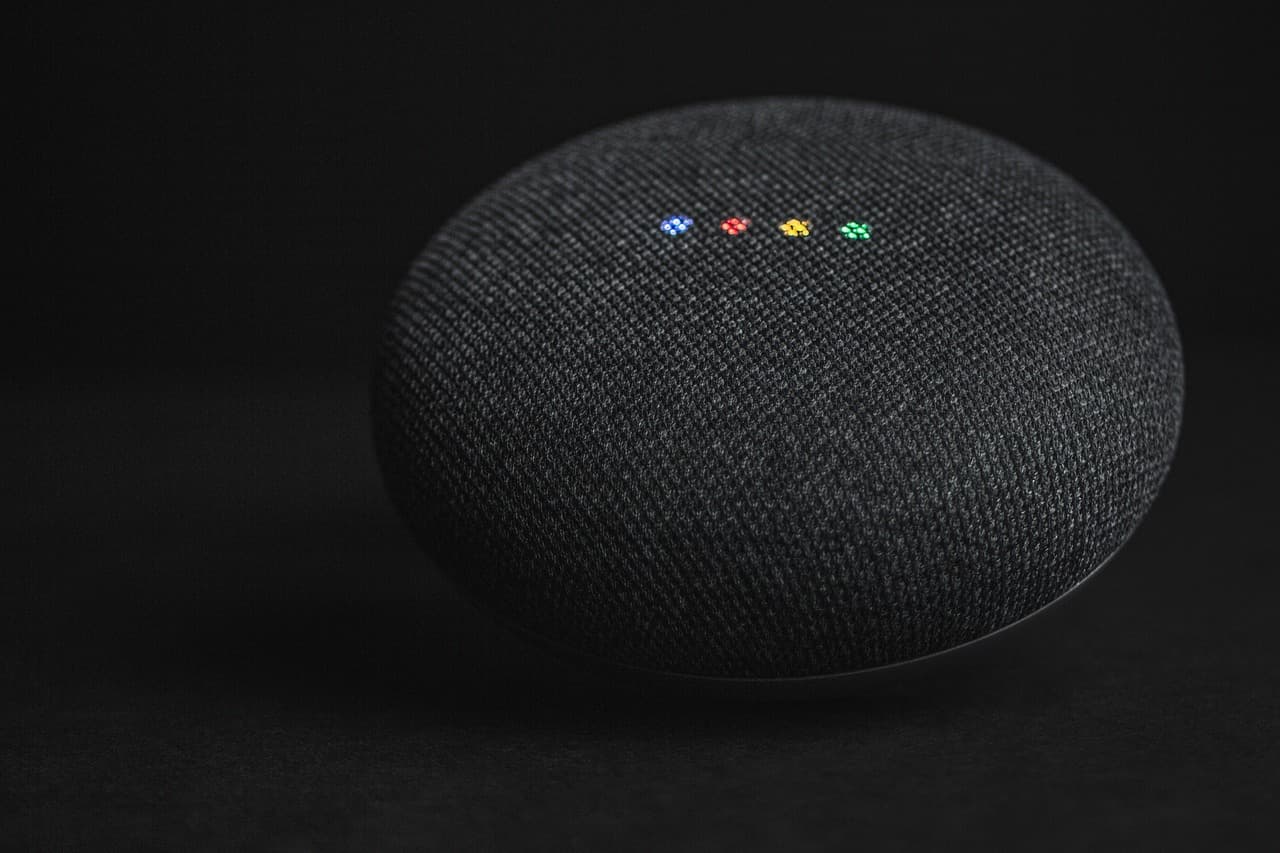
OpenAI has introduced "dots," a new class of always-on AI agents running on GPT‑6 Astra. Dots run on their own cloud computer, learn from feedback over time, and can work 24/7 toward users' goals while connecting to a large ecosystem of apps.
Key capabilities
- Own cloud computer and browser: each dot operates in its own environment that users can inspect at any time to review work.
- App integrations: via plugins, dots can connect to more than 4,000 apps to access the tools needed for tasks.
- Continuous personalization: dots learn a user’s preferences, ways of thinking, and standards, improving over repeated interactions.
Access and interaction
Users can interact with their dot through ChatGPT, Slack, and Microsoft Teams; text messaging support is coming soon. You create your primary dot in the ChatGPT desktop app or browser, name it, and connect apps. After setup, the dot is reachable from the ChatGPT mobile app.
How dots can help in practice
OpenAI gives multiple usage examples showing dots taking on substantial, ongoing responsibilities:
- Development: monitor customer feedback, scope and implement small improvements and bug fixes, build and test changes, and produce pull requests with attached demonstration videos for review.
- Product launches: learn audience and creative standards, update launch materials when scope changes, and prepare revised assets and documents for review.
- Research: rerun analyses as new data arrives, investigate unexpected results, and update figures and explanations for papers, flagging items needing human review.
- Sales: check customer requirements and account history, build proofs of concept for key integrations, and suggest engineers with relevant experience while updating proposals as tests change.
- Content creation: learn a creator’s voice, identify moments from transcripts for clips, prepare show notes and social drafts, and carry edits across assets.
Dots can run multiple projects concurrently and take new tasks without requiring the user to manage every thread step by step.
Safety, privacy and governance
OpenAI has layered protections around dots:
- Built‑in rules and Custom Rules: dots ship with default rules about when to act independently and when to request approval. Administrators and users can set Custom Rules to allow, require approval for, or block specific actions.
- Proactive research with read‑only tools: when working in the background, dots use only apps set to read‑only so they cannot send messages, modify app content, or control a browser or user computer.
- Auto‑review and monitoring: actions that could affect accounts or share information are checked against user instructions, Custom Rules, and safety requirements to decide what can proceed automatically and what needs approval. Monitoring systems can pause or stop a dot if a safety concern is detected.
- Data usage: by default, OpenAI does not use content from ChatGPT Business, Enterprise, or Edu workspaces to train models. Personal ChatGPT plan users can choose whether dot conversations and work are used to improve models. Proactive research and a dot’s internal notes are not directly used for model training; any reuse depends on settings and eligibility.
Sensitive actions, such as changing passwords, always remain with the human user.
Specialist dots and enterprise pilots
OpenAI is previewing specialist dots that have their own identity, credentials, IT‑provisioned hardware, and deep integrations with a company’s systems of record so they can assume well‑defined responsibilities inside organizations. Initial enterprise pilots are focused and involve engineering teams working directly with organizations to define each specialist dot’s scope, permitted tools, and review and approval workflows.
OpenAI is also collaborating with Microsoft to integrate specialist dots into Microsoft’s enterprise governance and security controls via Agent 365, enabling businesses to manage dots through familiar Microsoft tools.
Rollout, pricing and limits
Dots are being rolled out today in ChatGPT to Pro and Business Premium users in eligible markets; Enterprise customers (including Edu and Healthcare workspaces) can try a beta when their workspace admin enables it. The first dot is included at no extra cost in Pro and Business Premium plans. OpenAI offers extended limits for deeper work during the first month after launch. In future, users will be able to add more dots and scale a dot’s output by increasing its speed or monthly capacity.
Conversations with a dot do not count toward ChatGPT usage limits. However, when a dot starts or manages tasks in Codex or ChatGPT Work, those tasks count toward the normal usage limits.
Getting started and next steps
To begin, create a dot in the ChatGPT desktop app or browser, connect your apps, and let it introduce itself. After initial setup, you can message the dot from the mobile app.
OpenAI says it will continue improving dots based on what makes them useful in practice and will share learnings where possible. The company emphasizes that dots can still make mistakes, and consequential work should always be reviewed by humans.