Workflow1111 is a Gradio gr.Workflow application that recreates most of the functionality of AUTOMATIC1111’s stable-diffusion-webui on a single workflow canvas. The project contains eleven media pipelines and a total of 73 nodes. The canvas combines state-of-the-art text-to-image, hi-resolution fix, image-to-image, prompt-matrix grids, VLM interrogate, detection-to-inpaint masks, ControlNet-style annotators, background removal, PNG info storage, and image-to-video pipelines.
Users can run any pipeline by signing in with a Hugging Face account or providing an access token; model calls then consume the user’s own quota. Workflow1111 can be opened and duplicated on the Space so users can rewire or customize it for their own use cases.
Canvas structure and operator types
All pipelines are built from the same four operator kinds defined in gr.Workflow: fn (a Python function), model (a model called via InferenceClient), space (another Gradio Space), and dataset (a row from a Hub dataset). Each node wraps one operator; operator inputs and outputs become the ports you connect with edges.
The eleven pipelines
-
Text-to-image: the core pipeline mirrors AUTOMATIC1111’s txt2img controls (negative prompt, steps, CFG, seed, width, height) plus a model_id field for checkpoint choice. The prompt first goes through an fn prompt-builder that appends a style preset and cleans the text, then to a model node that calls the checkpoint via Inference Providers. A post-process fn writes generation parameters into the PNG metadata, which the PNG Info pipeline later reads.
-
Hi-resolution fix: instead of AUTOMATIC1111’s upscale-then-denoise sequence, Workflow1111 routes the text-to-image result through a FLUX.1-Kontext model node with a refine instruction (for example: “enhance fine detail and micro-texture, keep the composition identical”) to return a sharper, larger image.
-
Image-to-image: the same Kontext node doubles as the image-to-image tab—upload an image, describe the desired edit, and the node returns the edited image.
-
Let an LLM write the prompt: a seed prompt like “A lighthouse in a storm.” is sent to a Qwen3-4B model node; a small fn node turns the reply into a clean list of tags capped at forty. Any diffusion model node can be connected to this output to render the image.
-
Read an image back into a prompt (Interrogate): Qwen2.5-VL (a VLM) inspects a photo and generates a prompt that could have produced it. A ViT classifier reads the same image and returns labels (for example: restaurant 51.9%, tobacco shop 15.6%, toyshop 9.1%). Because both nodes use the same input, gr.Workflow runs them in parallel and returns both answers in roughly the time it takes to run one.
-
Detection to inpaint mask: DETR finds objects in a street photo (for example: three people, a dog, a bicycle, and a car). The workflow splits into two branches: one draws detected boxes on the original image, the other turns them into an inpaint mask. The drawing and mask creation run locally with Pillow and NumPy; only the detection call is remote.
-
Prompt matrix: a base prompt (e.g. “a lone oak tree”) is combined with four suffixes (for example: at sunrise, in a thunderstorm, under the Milky Way, in autumn fog) by an fn node; each variant goes to its own text-to-image node and a final node stitches the four results into a contact sheet. gr.Workflow has no loop operator, so the four text-to-image nodes sit side by side and run in parallel.
-
Upscale and background removal: one upscaler is a local Lanczos resample implemented in an fn node (no network call), the other is AuraSR ×4 implemented as a space node that calls a Hub Space. Background removal is similar: BRIA RMBG-2.0 is a space node, so the model resides in its own Space and the canvas calls it.
-
Annotators: Canny, line art, sketch, luma-depth and posterize preprocessors are implemented as fn nodes in plain NumPy, with no model behind them. On a preloaded example photo each annotator takes about half a second on CPU.
-
PNG Info: the text-to-image post-process node writes generation details into the PNG parameters text chunk (prompt, negative prompt, steps, CFG, seed, image size, model). The PNG Info pipeline reads these metadata back out.
-
Image-to-video: the same image node that feeds PNG Info also feeds a Wan 2.2 I2V A14B node to animate the image; in the demo a sleeping fox wakes and moves. A single reference node can feed multiple downstream pipelines, so one upload can be read for metadata and animated on the same canvas.
Local vs remote execution
The app contains 36 operator nodes in total: 32 are fn nodes, and 22 of those run entirely in-process with no network call. Roughly two-thirds of the canvas continues working if you lose your connection. Since fn nodes are ordinary Python functions, they can be tested directly without a canvas, server, or GPU.
Running models on your own GPU
By default model calls go to remote hardware via Inference Providers or Spaces, which is how Workflow1111 runs without a local GPU. However, an fn node can load a local checkpoint and run on a user’s GPU. For example, the FastVideo/fastvideo-fasth3-preview Space runs FastH3 (a four-step distillation of MiniMax-H3) and uses ZeroGPU to provide a GPU to a bound function for the duration of the call. gr.Workflow simply calls the fn node; the underlying bind mechanism and ZeroGPU manage GPU allocation.
Every output is an API
Each output node automatically becomes a typed REST endpoint. Workflow1111 exposes nine endpoints: /image, /edited_image, /generated_prompt, /recovered_prompt, /detected_objects, /x_y_grid, /upscaled_local, /annotator_map, and /png_info. These can be called from gradio_client while passing an oauth_token so each caller uses their own Hugging Face token.
Additionally, the same endpoints can be exposed as MCP tools: launching the Space with mcp_server=True makes every output node available as a tool an AI assistant can call. Agents (Claude Code, Cursor, or any MCP client) can sequence image generation, detection, or prompt reading as steps in a larger task without glue code; each caller supplies their X-HF-Token header so the Space holds none of the users’ tokens.
Comparison with ComfyUI
Although AUTOMATIC1111 defined the familiar feature set, gr.Workflow is most often compared to ComfyUI because both present node graphs. gr.Workflow covers much of the same ground while adding: nodes that can run on hardware you don’t own (Inference Providers, Spaces), automatically generated typed REST endpoints, OAuth-based visitor sign-in, mixed-model and mixed-modality canvases (diffusion, LLMs, VLMs, detectors, video), and arbitrary Python functions as custom nodes.
The result is a multi-model pipeline people can open in a browser, sign into, use immediately, and call from code.
How to build your own
Workflow1111 uses 73 nodes in the published Space, but you can start from a minimal example:
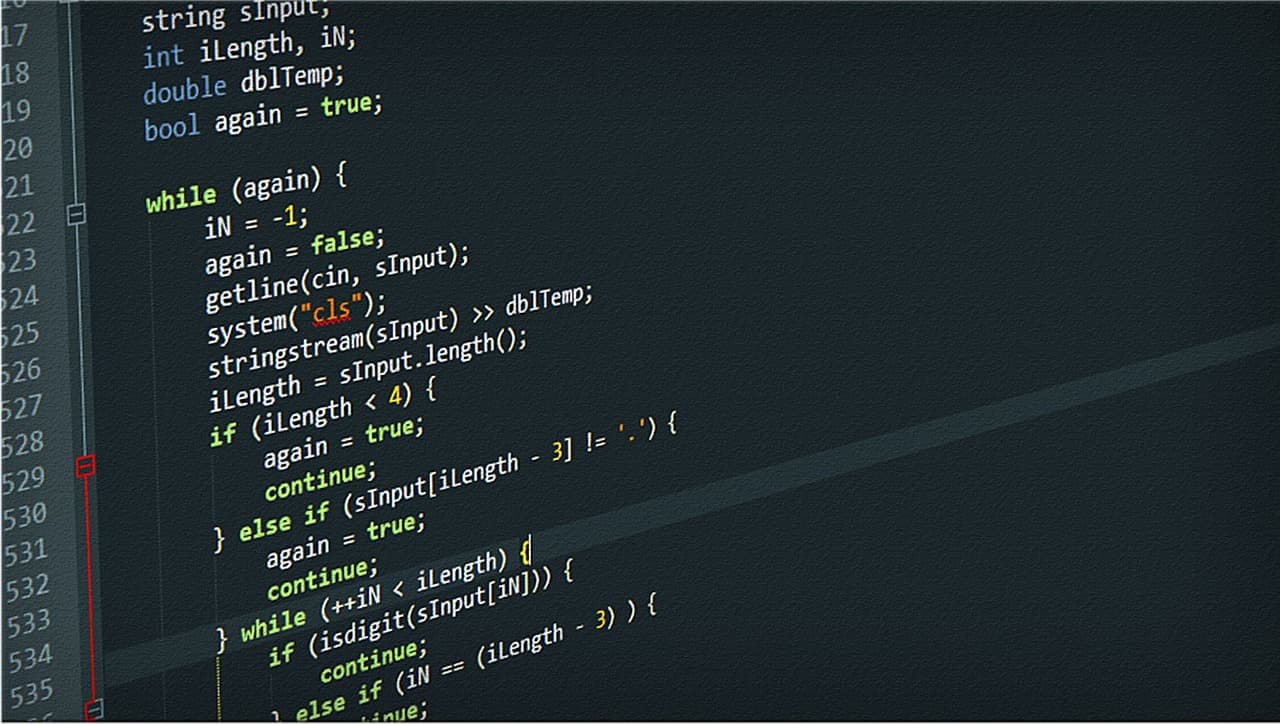
import gradio as gr
def your_function(text: str) -> str: pass
gr.Workflow(bind=[your_function]).launch()
bind= turns functions into nodes, edges= connects them, and .launch() opens the canvas in the browser for further editing. When ready, gradio deploy pushes the workflow to a Space. The gr.Workflow guide documents the JSON schema and operator types.
If you prefer to start from a working example, duplicate the Workflow1111 Space and modify any of the eleven pipelines—delete nodes, swap models, or rewire flows. The previous post linked by the authors contains five smaller workflows that can be run in about a minute each. The authors invite builders to post their workflows on X and tag @gradio so the team can amplify them.